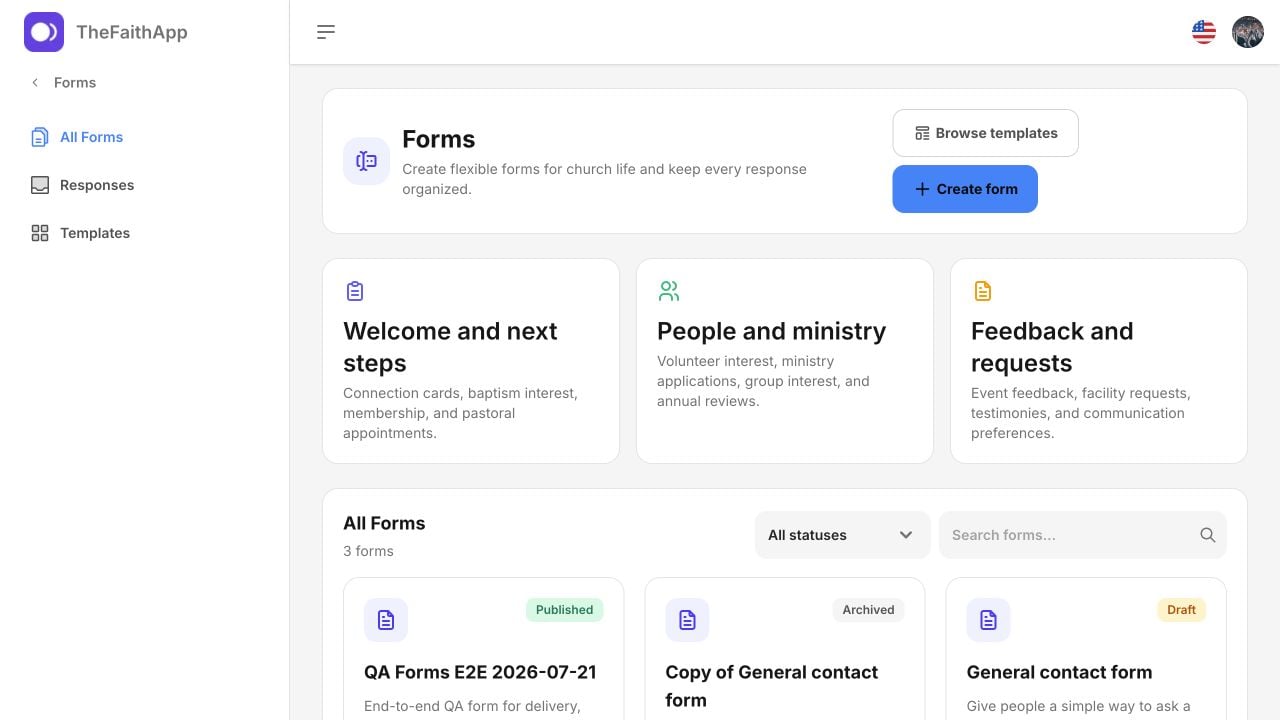
Forms Connects Church Intake to Follow-Up

Forms is now a top-level TheFaithApp product for collecting information and coordinating what happens next. Churches can begin with a blank form or one of 15 church-focused templates, arrange questions in the visual builder, control who may respond, and publish an immutable version when it is ready. The Forms library Share a form through its public link, a QR code, WhatsApp, the member app, or an embed on the church website. Public pages keep the church’s configured domain, theme, schedule, access rules, and response limit. Known members can receive safe prefills, while invite-only forms use individually tracked invitations. Every submission arrives in the Response Inbox. Staff can search and filter responses, choose visible columns, save views, assign an owner, set a priority or due date, add private notes, and complete follow-up with a clear activity history. Restricted and sensitive forms can be limited to named managers, and exports apply the same access protections as the inbox. Forms is responsive across desktop, tablet, and phone layouts. The builder, public form, and response inbox also support keyboard navigation, dark mode, right-to-left languages, and browser text scaling for more accessible use. Forms also connects reviewed responses to existing church workflows such as visitors, member journeys, events, volunteering, groups, prayer requests, and Outreach review. These connections are deliberate actions rather than automatic copies. Forms remains separate from Outreach Campaigns → Donor Forms. Donor Forms continues to collect campaign-specific supporter information, while the Forms product serves broader church intake and follow-up. Read the Forms product guide for the complete setup, publishing, sharing, response-management, privacy, and lifecycle workflow.