App customization is now available
May 15, 2026 Back to changelog Church teams can now shape a more branded mobile app experience inside TheFaithApp. App Customization brings your theme, navigation, custom pages, reusable content blocks, preview tools, and release controls into one workflow.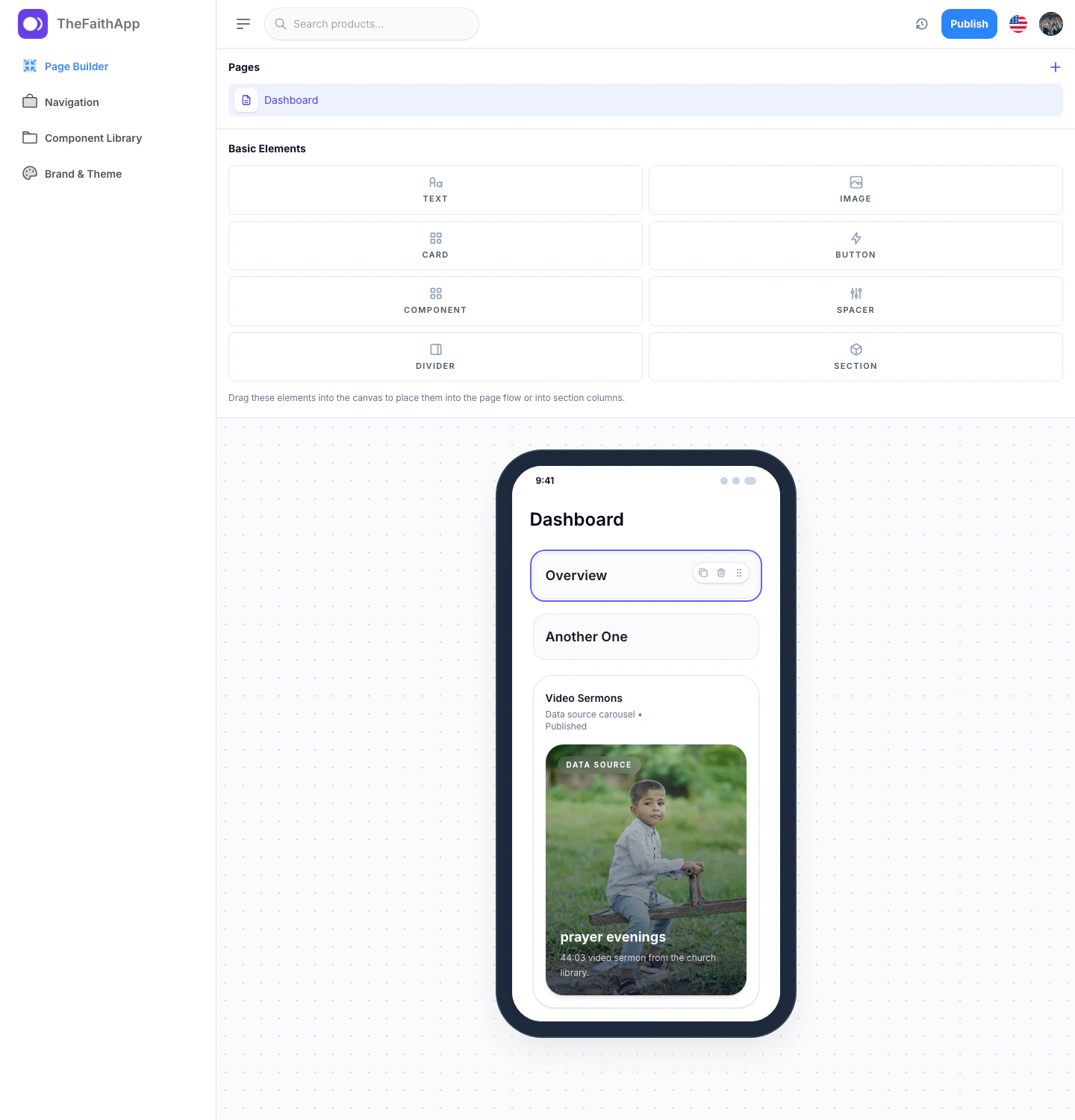
What’s New
- Choose your app colors, typography style, corner radius, and theme behavior from
Brand & Theme. - Build a custom navigation experience for the tabs members see in the mobile app.
- Create custom pages with text, images, buttons, cards, sections, and reusable content blocks.
- Reuse content carousels across multiple pages from the component library.
- Preview your work in phone and tablet layouts before publishing.
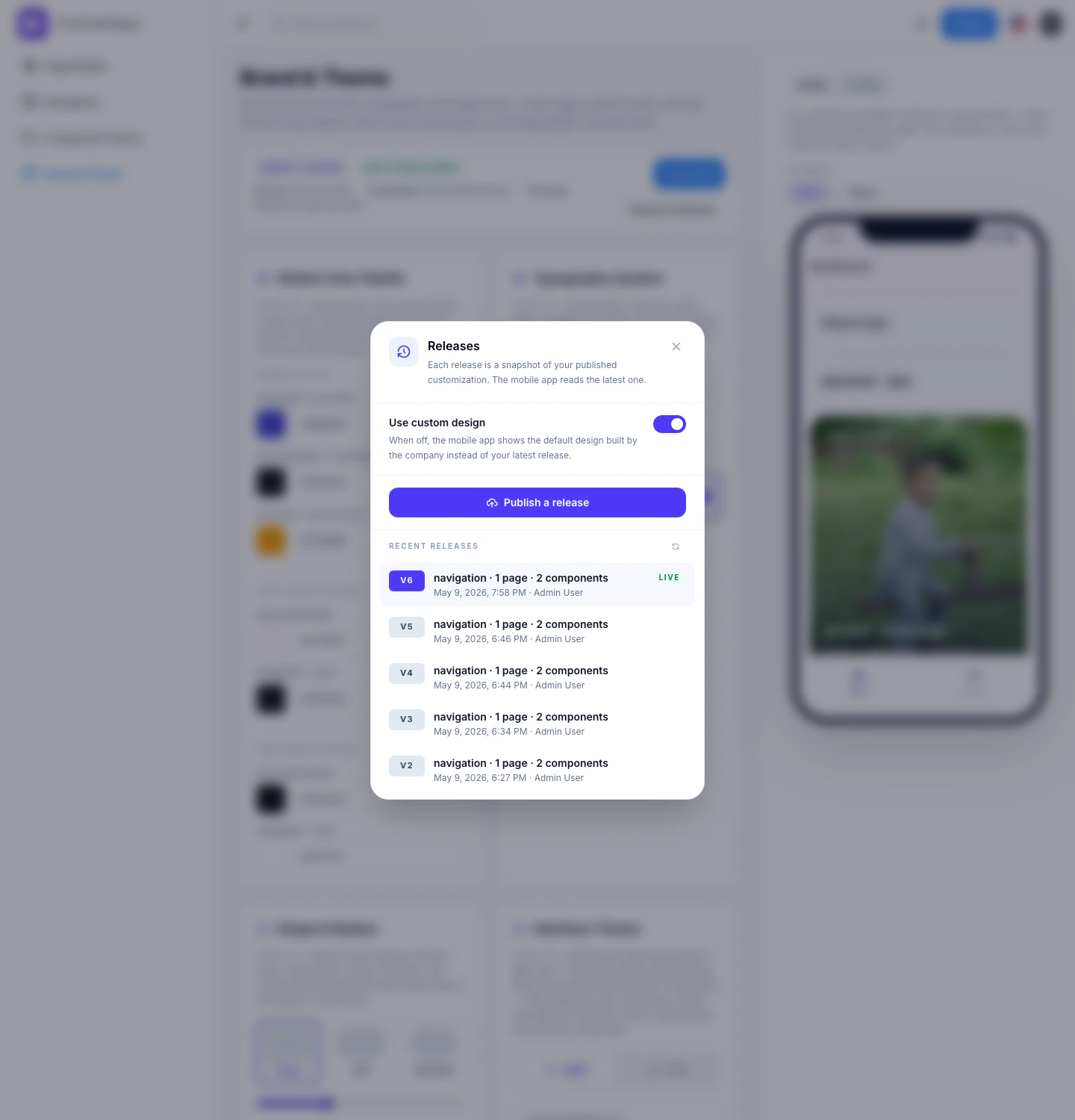
- Publish releases when you are ready, then decide whether the live app should use the latest custom design.
Why It Matters
App Customization gives churches more control over how their mobile experience looks and feels without requiring a full rebuild for every change. Teams can prepare updates in stages, review them, and publish when they are ready.Where You’ll Use It
Settings > Brandingstill manages white-label branding, domains, and public-page styling.App Customization > Brand & Themecontrols the visual foundation for the mobile experience.App Customization > Navigationmanages app tabs and destinations.App Customization > Page Builderis where custom pages are created and updated.App Customization > Component Librarystores reusable blocks you can place across pages.App Customization > Releasesis where teams publish a live version and turnUse custom designon or off.